Podlite Desktop
The editor for Podlite and Markdown. The source stays plain text; the preview shows what it will look like, side by side, as you type. Open source, and in the store for every system it runs on:



Or take a build straight from the releases page ↗.
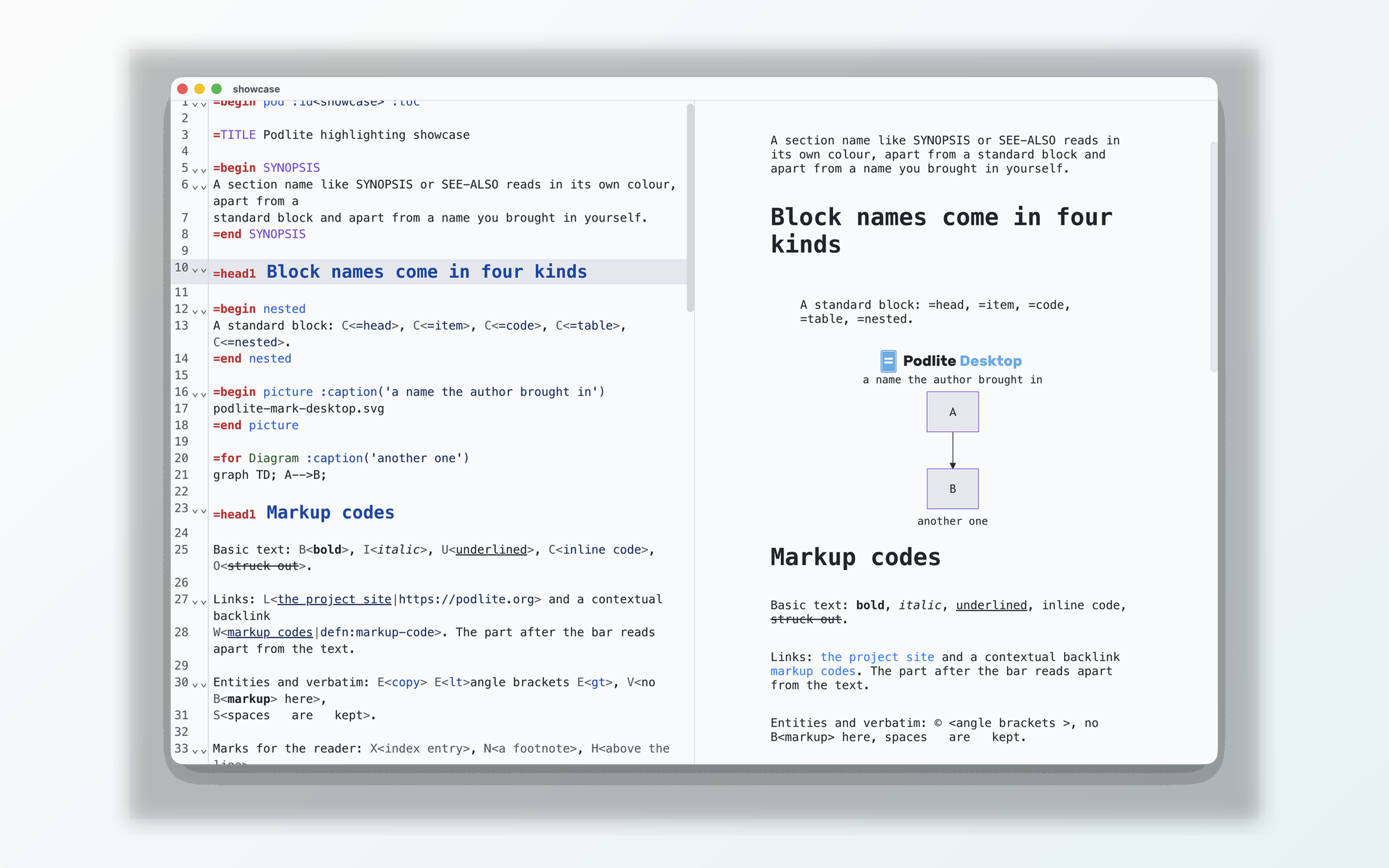
The source on the left, the live preview on the right
Two markups, one editor
A .podlite file opens as Podlite; a .md file opens as Markdown. The editor
highlights the source in the language it is, and the preview renders it in the same
language. Nothing to switch by hand.
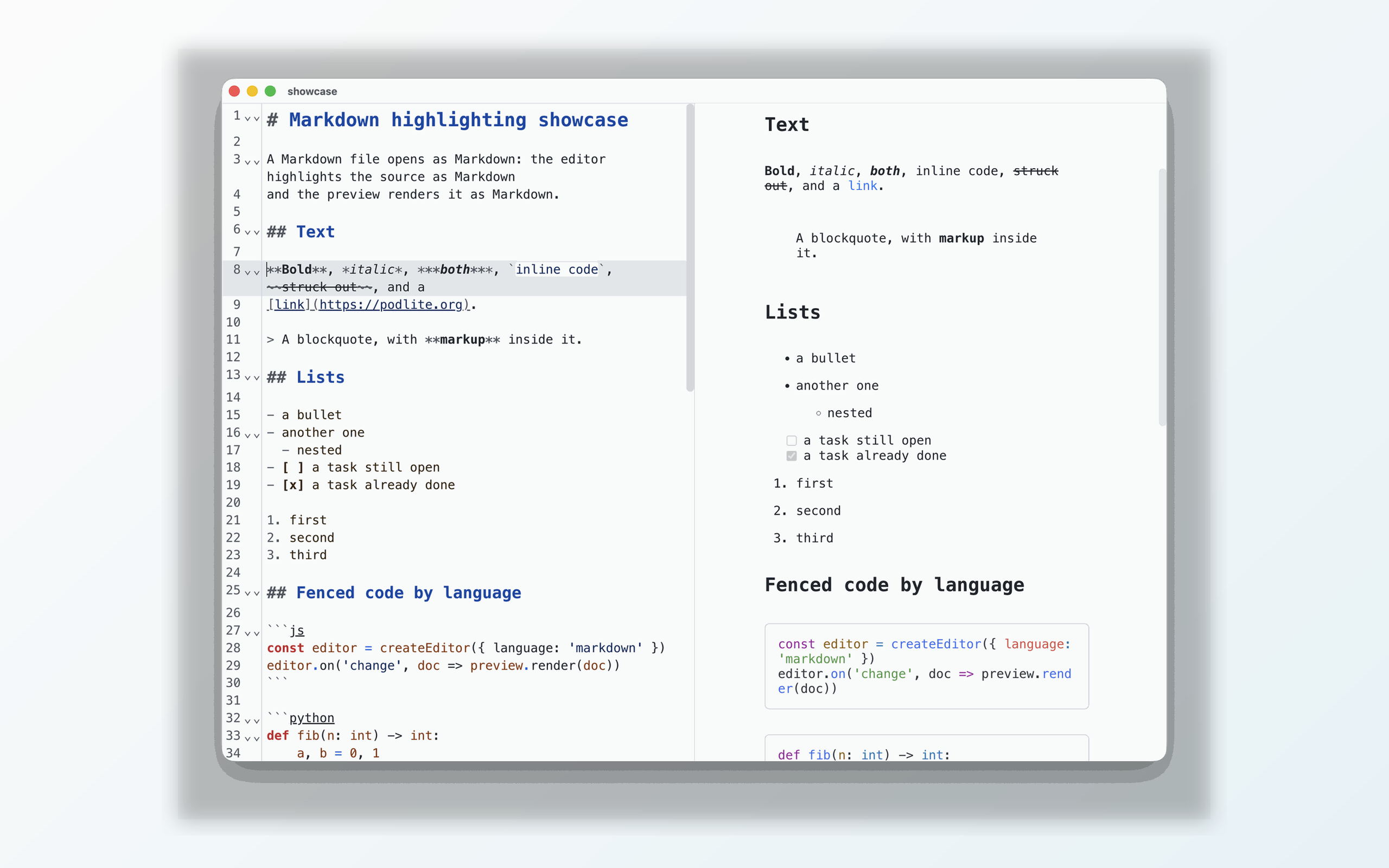
The same window on a Markdown file: Markdown highlighting, Markdown preview
What it does
Live preview while you type
Syntax highlighting for Podlite and Markdown
Diagrams and math formulas
Code folding and collapsible blocks
Drag-and-drop or paste images
Export to HTML and PDF
Windows, macOS and Linux
Keyboard shortcuts
Files
| Action | macOS | Windows, Linux |
|---|---|---|
| New | Cmd+N | Ctrl+N |
| Open | Cmd+O | Ctrl+O |
| Save | Cmd+S | Ctrl+S |
| Save as | Cmd+Shift+S | Ctrl+Shift+S |
| Close the window | Cmd+W | Ctrl+W |
Preview
| Action | macOS | Windows, Linux |
|---|---|---|
| Show or hide the preview | Cmd+\ | Ctrl+\ |
| Preview beside the source | Cmd+. | Ctrl+. |
Writing
| Action | macOS | Windows, Linux |
|---|---|---|
| Continue a list | Enter | Enter |
| Take the item one level in | Tab | Tab |
| Take it back out | Shift+Tab | Shift+Tab |
| Fold the block | Cmd+Alt+[ | Ctrl+Shift+[ |
| Unfold it | Cmd+Alt+] | Ctrl+Shift+] |
| Find | Cmd+F | Ctrl+F |
| Undo | Cmd+Z | Ctrl+Z |
| Redo | Cmd+Shift+Z | Ctrl+Y |
| Follow a link in the source | Cmd+click | Ctrl+click |
Where it lives
Source code, issues and every build: github.com/podlite/podlite-desktop ↗.